Bring the videos you already make
Use supported direct video URLs from your own host, or upload with managed video hosting enabled. Keep the channels that already work for you.
A TV app platform. Expert guidance through launch.
Build and manage Roku and Fire TV apps from one platform. Bring your videos, organize your channel, preview the television experience, and get guided support through launch.
Your content. Your branding. Your developer accounts.
Everyday AtlasA fictional creator channel · Actual Roku preview
What you can do
The content work is already yours. Build My TV App gives you one place to organize it, shape the television experience, and prepare for launch.
Use supported direct video URLs from your own host, or upload with managed video hosting enabled. Keep the channels that already work for you.
Add titles, descriptions, and artwork. Organize your content into categories and featured collections that make your catalog easier to find.
Manage your channel identity and artwork in the workspace. A standard TV design gives your videos a consistent home.
Preview your branding and content in the browser before package preparation. Review the presentation on a screen built for television.
Switch between channel workspaces as your organization grows. Channel limits, seats, and shared usage depend on your plan.
Use supported live sources alongside on-demand content. Managed live streaming is optional, separately metered, and separately priced.
From content to channel
Your video library becomes a focused TV experience, with your brand and your programming at the center.
An illustrative content journey using fictional programs and the actual TV renderer. Store review follows preparation.
Built for video brands like yours
For people with something worth watching—and the commitment to keep creating it.

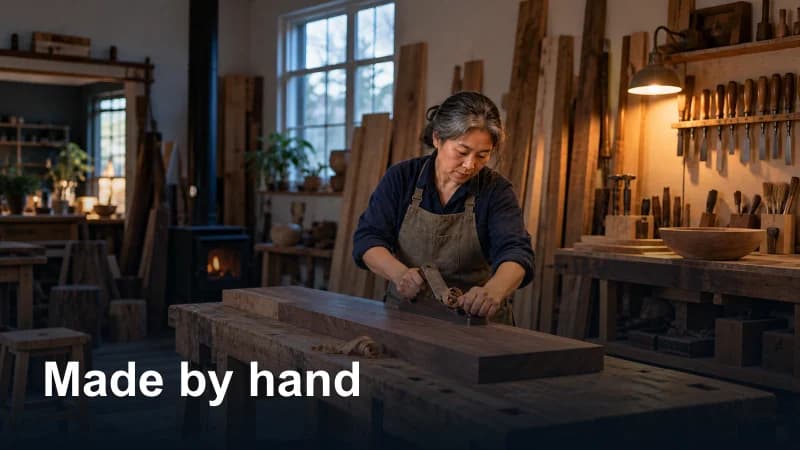
A creator-led channel
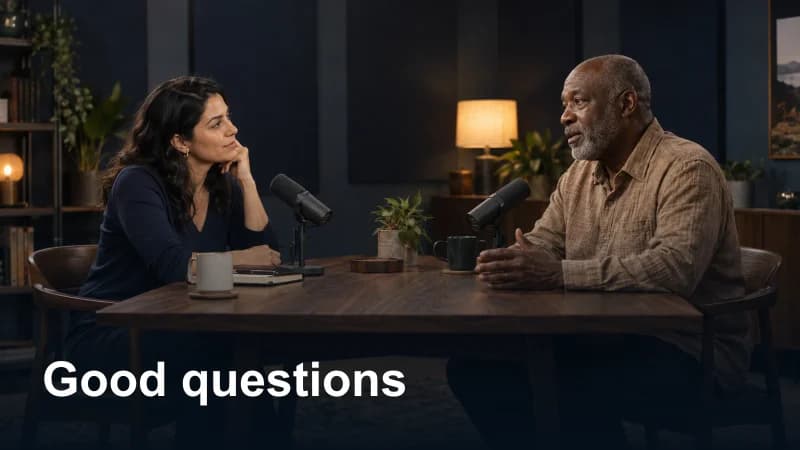
The television possibility
You put the work into every episode. Bring your original series, field stories, and interviews together in a TV destination that feels like your brand.
Illustrative environments and fictional channel examples, not customer testimonials. Educators, course businesses, and niche networks can explore the same supported content path.
A library built around your programming
Organize your videos with titles, artwork, and categories. Preview the television experience as you shape a channel your audience can explore.


Control without the guesswork
An illustrative content library with fictional programs. No customer activity or results are implied.
Expert guidance through launch
Choose your plan and platform path. Add your videos, organize the library, and apply your branding.
YOU + THE WORKSPACEReview the television experience, complete account requirements, and request package preparation.
YOUR REVIEW + OUR PREPARATIONTest and submit through your developer accounts. Track store review and keep managing your content.
YOUR ACCOUNTS + STORE REVIEWOwnership is part of the product.
You retain control of your content and branding, and publish through your own developer accounts. We provide the platform and the applicable preparation and guidance.
Understand the responsibilitiesThe CMS, applicable package preparation, launch materials, and support included in your offer.
Content rights, branding, developer accounts, testing, and submission through those accounts.
Their platform requirements, store review, and approval decisions. Those decisions remain theirs.
Why the big screen
Your channel can be part of how people already choose to watch. These figures describe the platforms and the viewing landscape—not a promised audience for your app.
Viewing share, households, and device purchases are different measures and are not additive. Platform availability does not guarantee discovery, installs, approval, or viewers.
A plan for your next chapter
One included channel on every standard plan. Scale your shared video capacity, seats, and channel allowance as your organization needs more.
$49/ month
Start your branded channel on one TV platform.
$79/ month
Bring your channel to both currently available platforms.
$199/ month
More capacity for an established video brand.
$499/ month
A larger shared capacity pool for a growing channel portfolio.
Standard activation: Launch $99, Growth $149, Pro $299, Network $299. Current launch promotion: the first included activation fee is waived while available. Additional channels and capacity are available separately.
FLAGSHIP / A SCOPED LAUNCH PARTNERSHIP
For custom workflows, multiple brands, migrations, or specialized needs. Define the channel, the support, and the scope together.
Starting at $999per month · Custom scope
Tell Us About Your ChannelBefore you choose your path
A direct answer beats another promise.
Tell Us About Your ChannelNo. Keep the platforms where you build your audience. Your TV app gives your brand a dedicated viewing destination. Use your source video files or supported direct video URLs; a YouTube or Facebook watch-page link is not a direct TV playback source.
Yes, when your host provides a supported direct video source. External hosted video does not consume the managed VOD storage or viewing allowances. Managed hosting is another option when enabled for your account.
The standard path provides the workspace, TV presentation, package preparation, and launch guidance. You supply your content, branding, and account information. Custom designs, migrations, and unusual integrations need a separately scoped conversation.
You own and use your developer accounts. Build My TV App prepares the applicable package and launch materials, and guides you through the process. You submit through your own accounts; Roku and Amazon decide store review and approval.
No. Configuration, package preparation, store submission, review, and live publication are separate facts. A step completed for one platform does not establish that it is complete for another.
You can discuss using the CMS with an existing app, subject to compatibility. For custom channel design, migrations, larger operations, or specialized workflows, Flagship starts at $999 per month with scope agreed before work begins.
YOUR CONTENT ALREADY HAS A STORY.
Walk through the platform with your channel in mind. Explore the TV experience, the workspace, and the right launch path.